This is a deconstruction, not an essay. It's a low-level design breakdown of one specific system — the inventory in The Last Case of Benedict Fox — covering its screen layout, its interaction model, and the technical structure underneath it, with screenshots throughout to show exactly what's being described.

The Inventory System
Benedict Fox's inventory becomes available after the game's introduction level and opens with the "I" key — the same binding players already expect from more or less every game that has an inventory at all, which is exactly the point: no onboarding required.
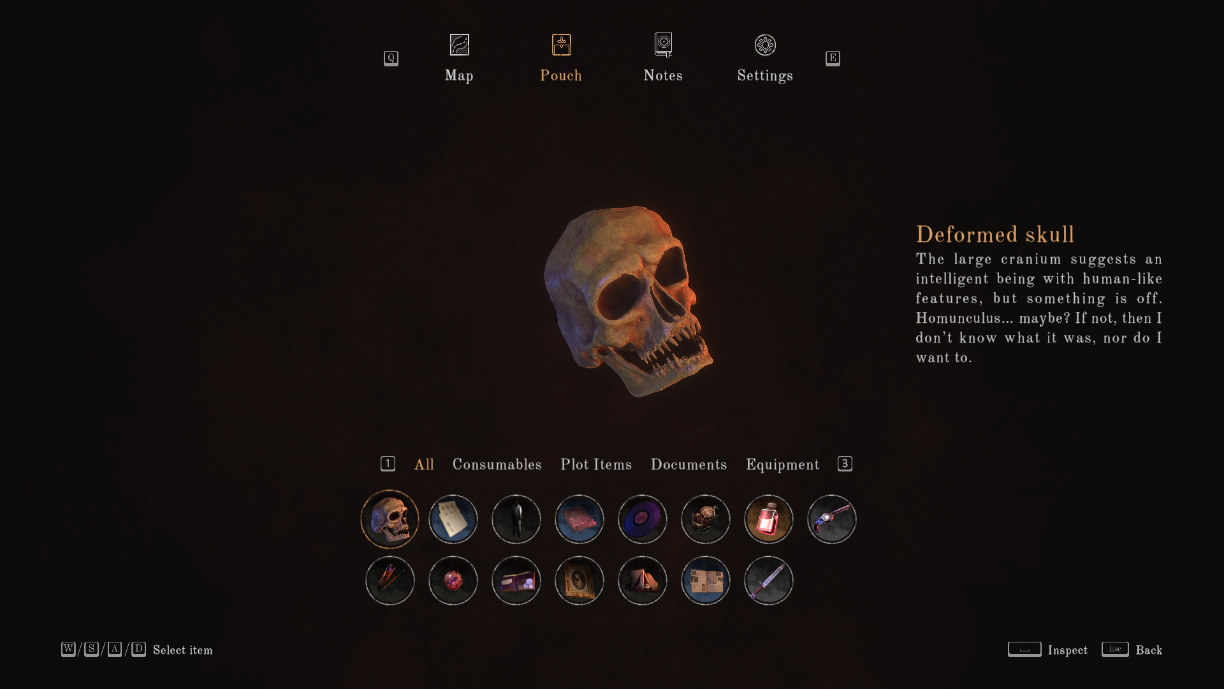
Once open, items sort into six categories — All, Consumables, Plot Items, Documents, Keys, Equipment — switchable with LT/RT on a controller or the 1–3 keys on a keyboard. The selected filter and everything belonging to it sit in a row across the center-bottom of the screen.

The center of the screen shows the currently selected item as a full 3D model, inspectable with the space bar and rotatable — right stick on a controller, click-and-drag with the mouse on desktop. It's a small touch, but letting players physically turn an item over in their hands does real work for a game built around inspecting objects for clues.

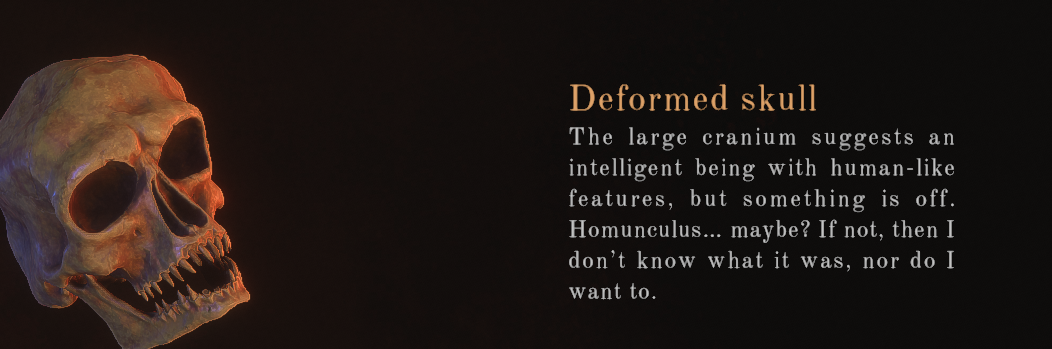
To the right, the item's description is deliberately split into two registers: the first line reads like a narrator's voice, in-character and atmospheric; the second explains what the object actually does in plain terms. That split does two jobs in one panel — mood and mechanical clarity — without forcing the player to choose between flavor text and a usable UI.
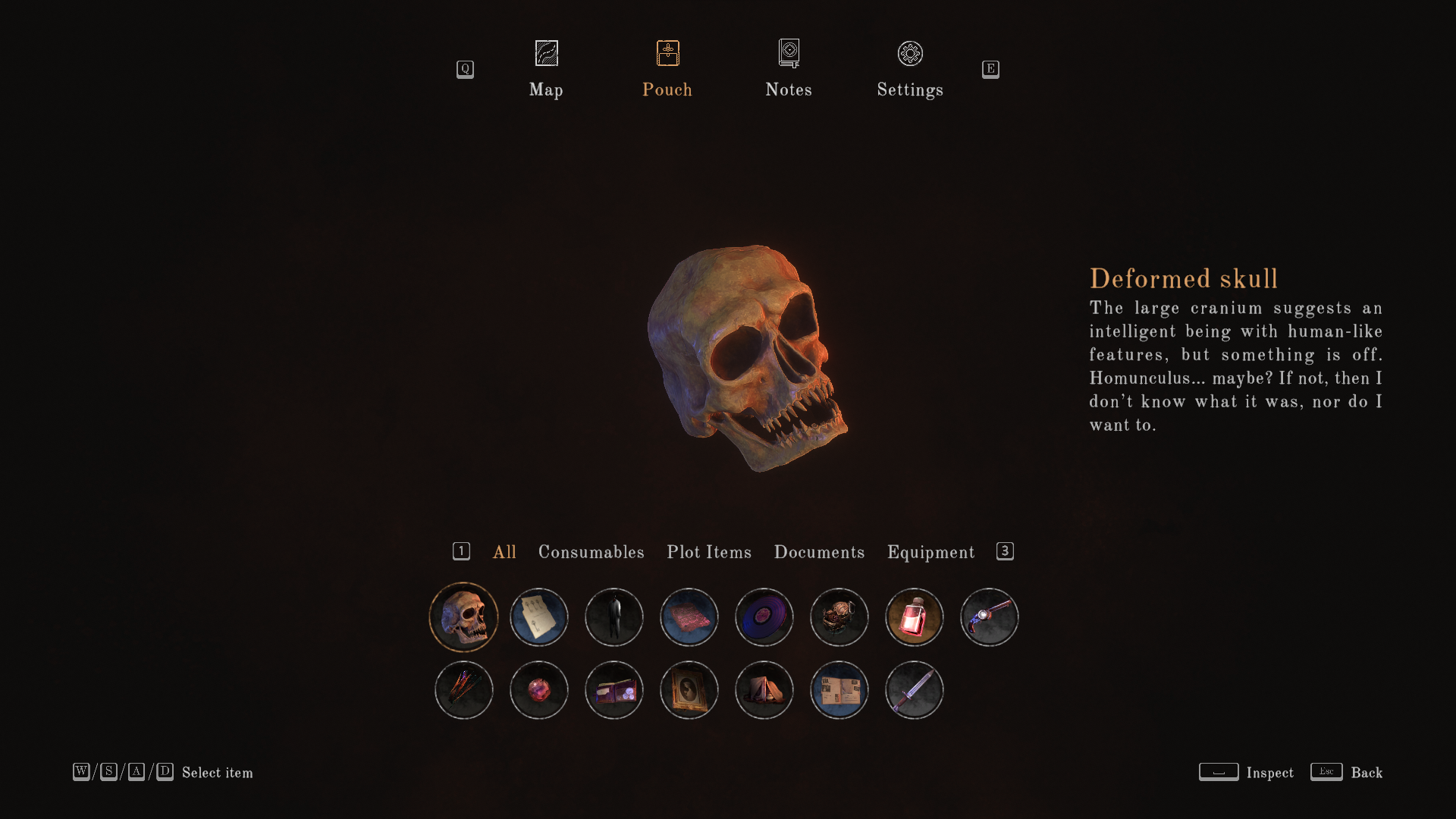
Along the top, Map, Notes, and Settings sit as quick-access icons alongside the inventory itself, switchable with LB/RB or the Q/E keys — letting players jump between the game's major information screens without backing all the way out to a root menu first.
Item Interacting Mechanic
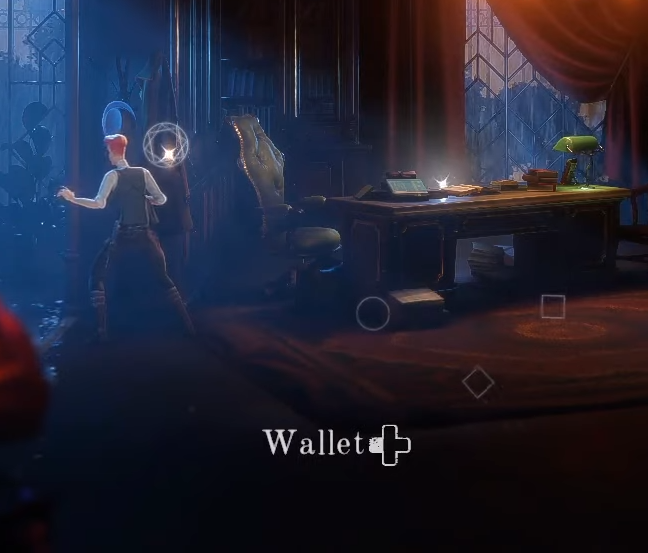
When an object in the environment is interactable, its prompt appears at the bottom of the screen with the specific button bound to it — press that button, and the interaction between item and character fires.

Item Obtaining Mechanic
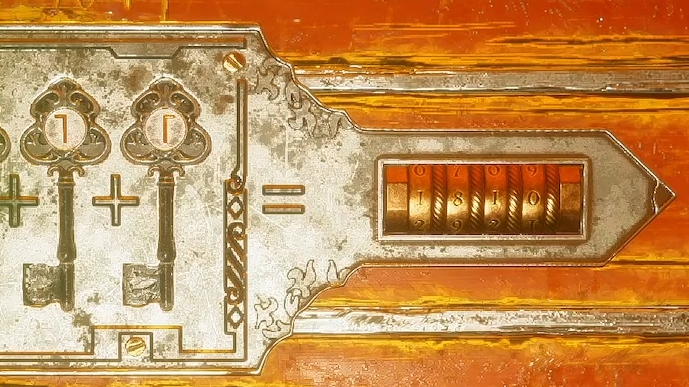
Certain objects can be picked up outright for later use, investigation, or consumption depending on their type — bound to A/X on a controller or the space bar on keyboard. (A "Conundrum," in this game's own terms, is a puzzle event where the player has to gather several keys to progress.)
Item Using Mechanic
Once an obtained item sits in the inventory, it can be spent at whatever specific point in the game was built to receive it — a Conundrum key fitting its matching lock-puzzle, for instance.
Item Inspection Mechanic
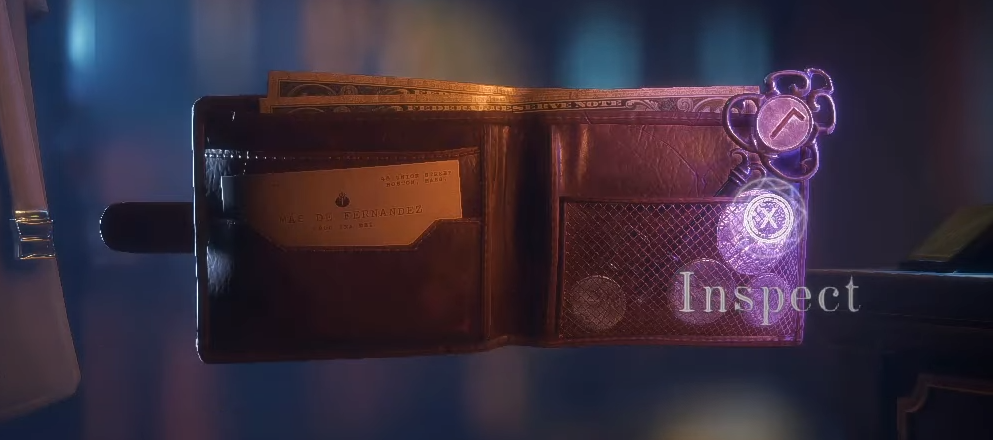
Some obtainable objects hide a second layer — clues or hidden items nested inside them that reveal information or unlock solutions to specific puzzles. That inspection is triggered with A/X on controller or F on keyboard, and once triggered, whatever was hidden becomes its own separate, usable object.
Item Types
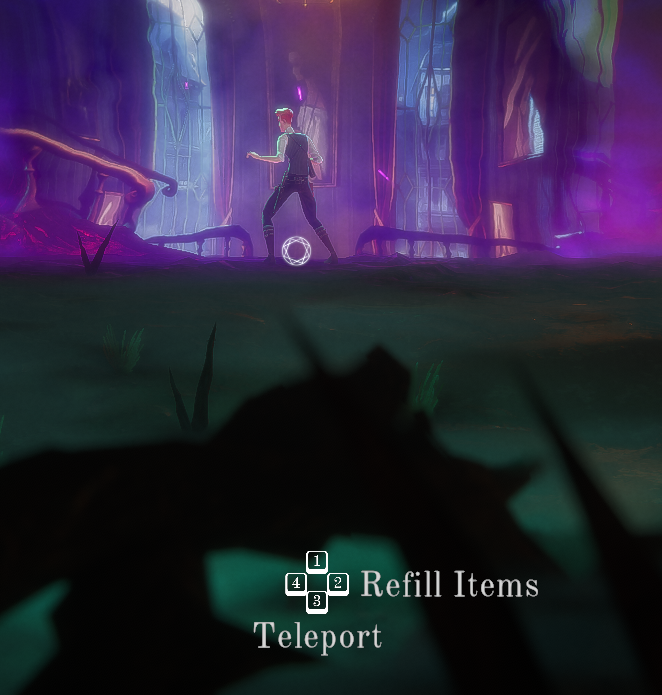
Consumables restore health or grant temporary boosts, and matter most during combat inside "Limbo," the game's combat/exploration space. They're finite there, but refillable back at Anchors — the game's savepoints and gateways back to the real world.
Plot Items exist purely to carry the story — collecting them is how the game's major narrative beats actually get delivered to the player.

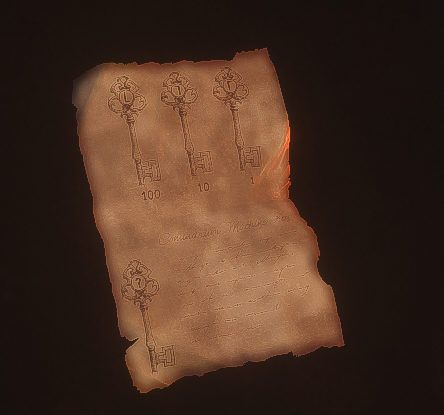
Documents serve double duty — some are direct puzzle hints, others are collectibles tied to overall progression rather than any single puzzle.
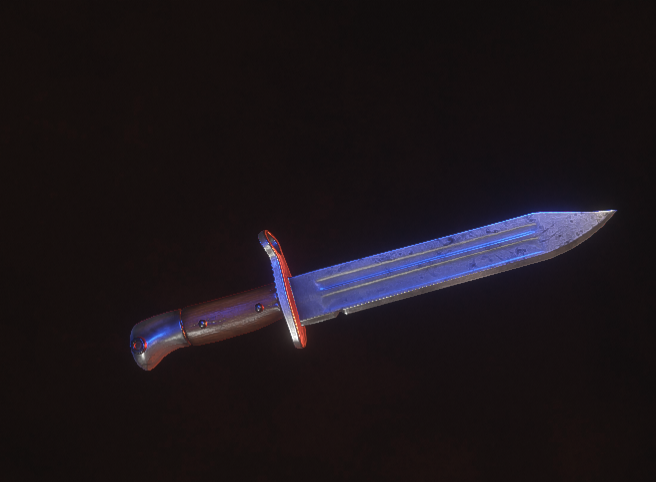
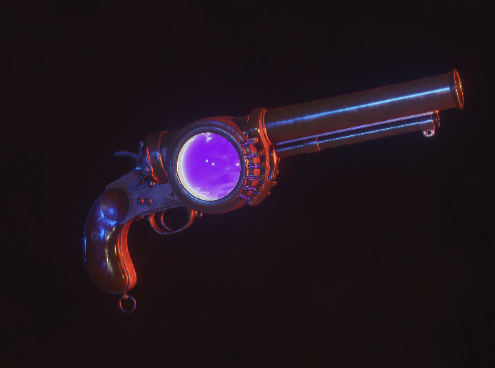
Equipment covers the primary combat toolkit. The player starts with two pieces already in hand — a bayonet and a flare gun — both usable directly from the inventory.
Technical Details
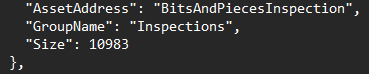
The game is built in Unity, and item data is stored as JSON. Every object that can be interacted with through the inventory — including anything routed through the inspection mechanic above — is registered the same way under the hood: an asset address, a group name, and a size, the same structure repeated consistently across the whole item set rather than special-cased per object.